

Bluetooth-compatible Keyboard for Android iOS Portable Rechargeable Universal Wireless Keyboard for Tablet Phone Laptop iPad


Bluetooth-compatible Keyboard for Android iOS Portable Rechargeable Universal Wireless Keyboard for Tablet Phone Laptop iPad
SPECIFICATIONS
Application: Laptop,Tablet
Backlight Type: No backlight
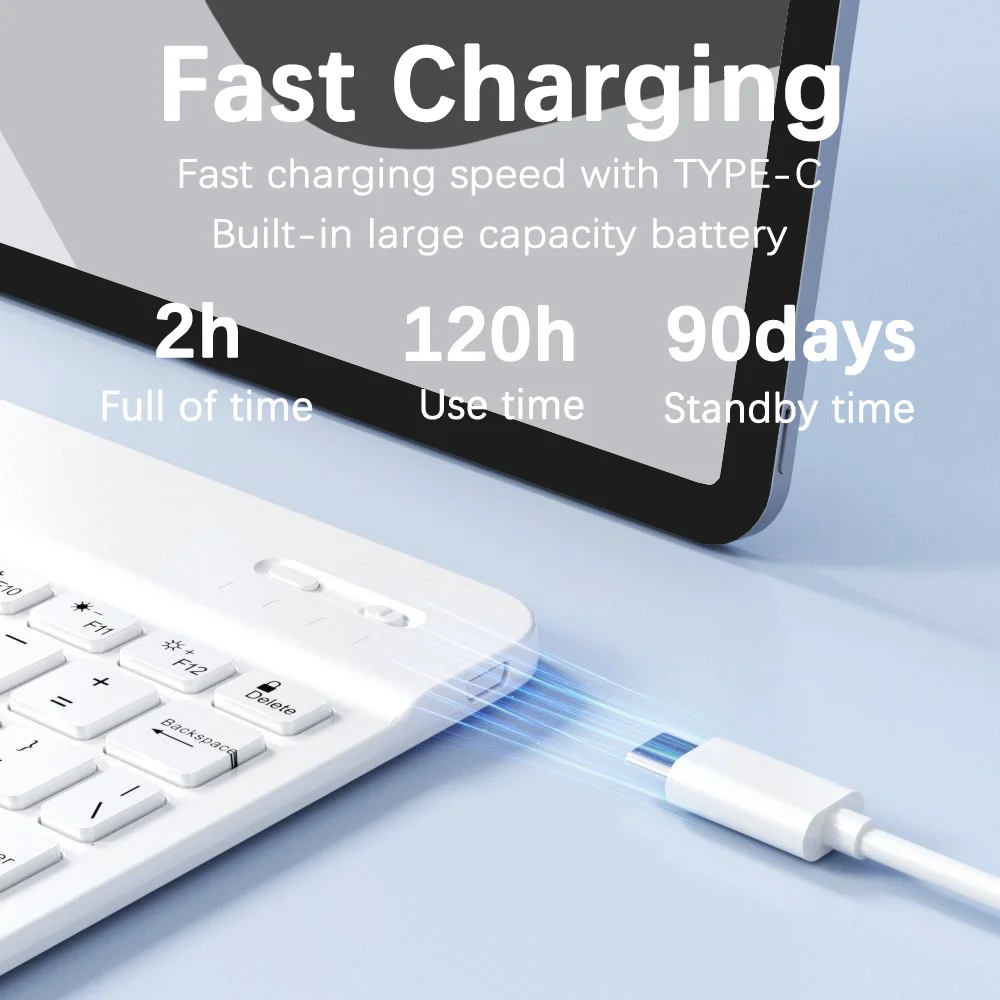
Battery Included: Yes
Brand Name: BalanceFit
Choice: yes
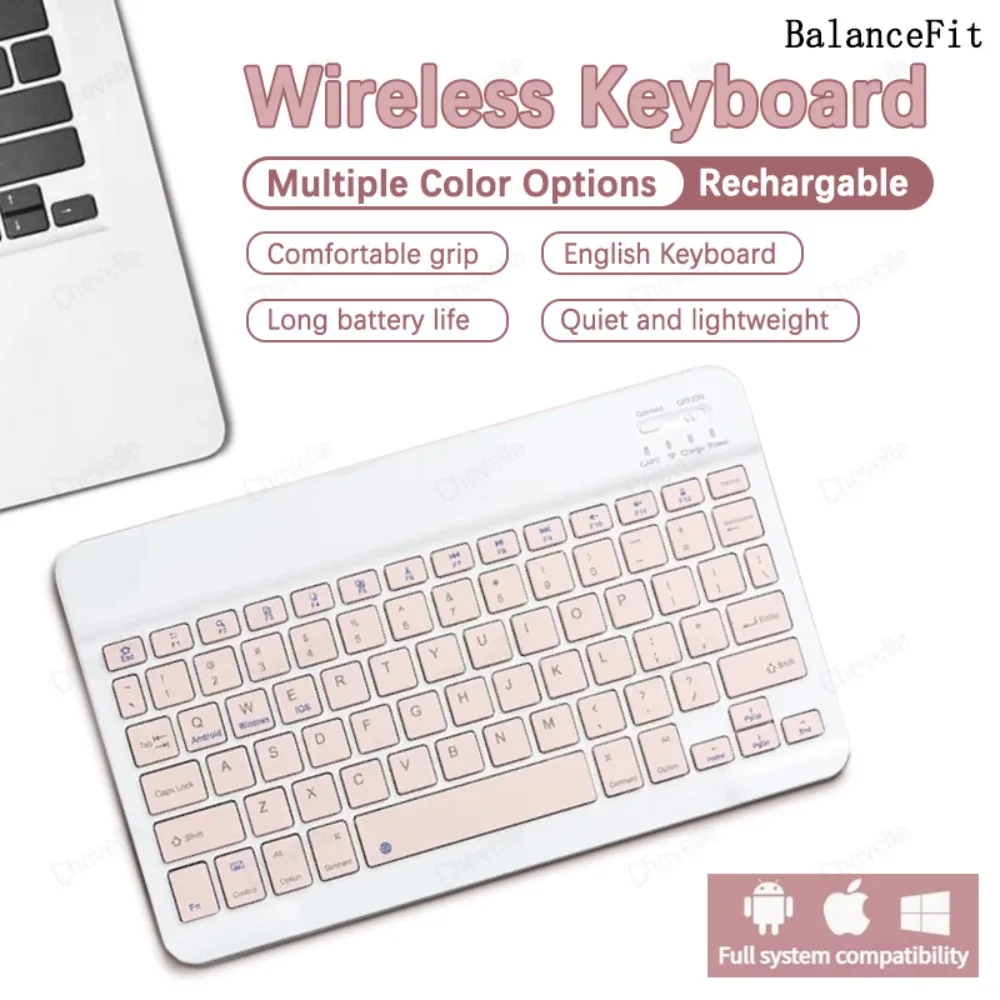
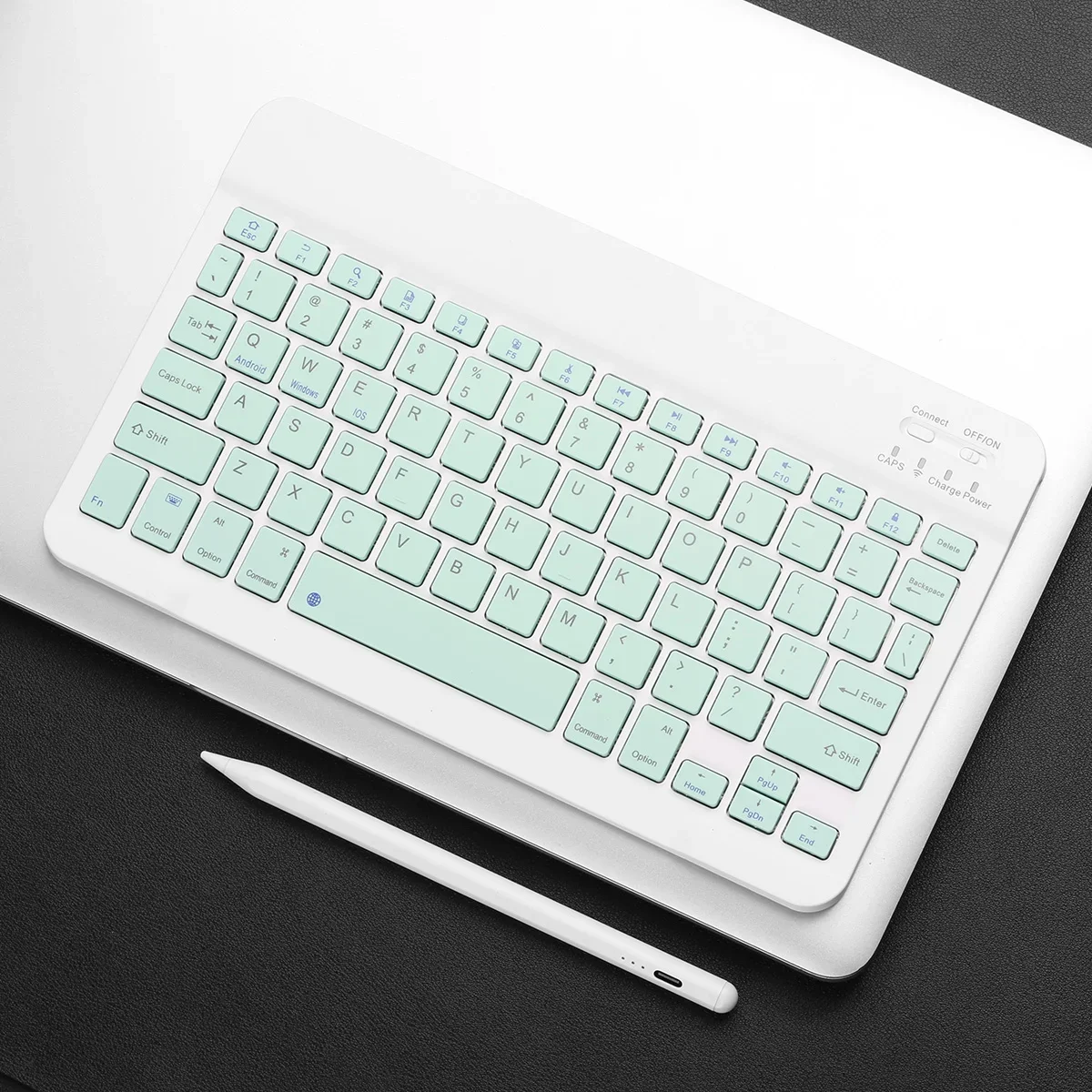
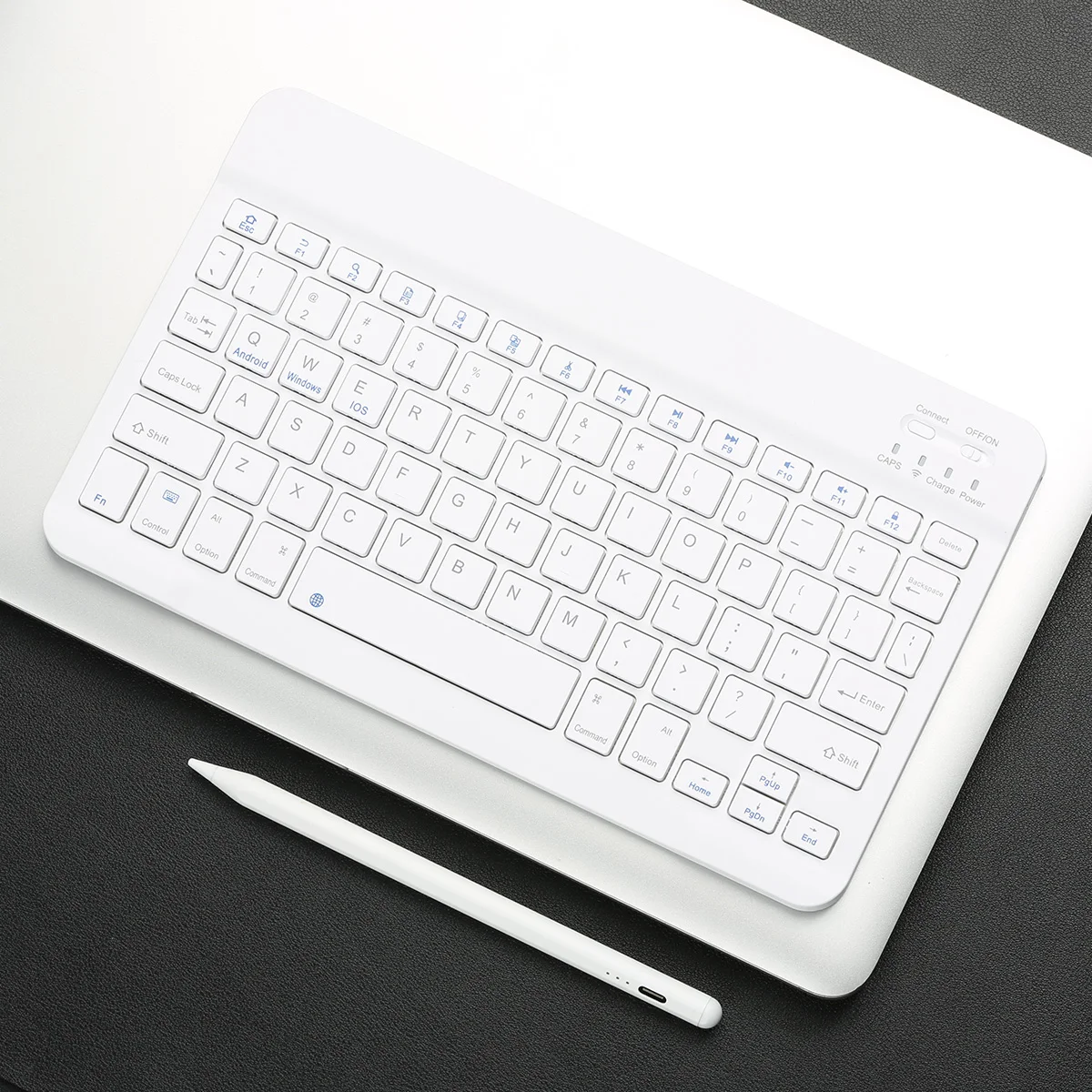
Feture: bluetooth compatible keyboard for ipad,Mini Keyboard,The keyboard is suitable for mobile phones ipad and tablets.
Full Size keyboard: No
High-concerned chemical: None
Interface Type: Bluetooth
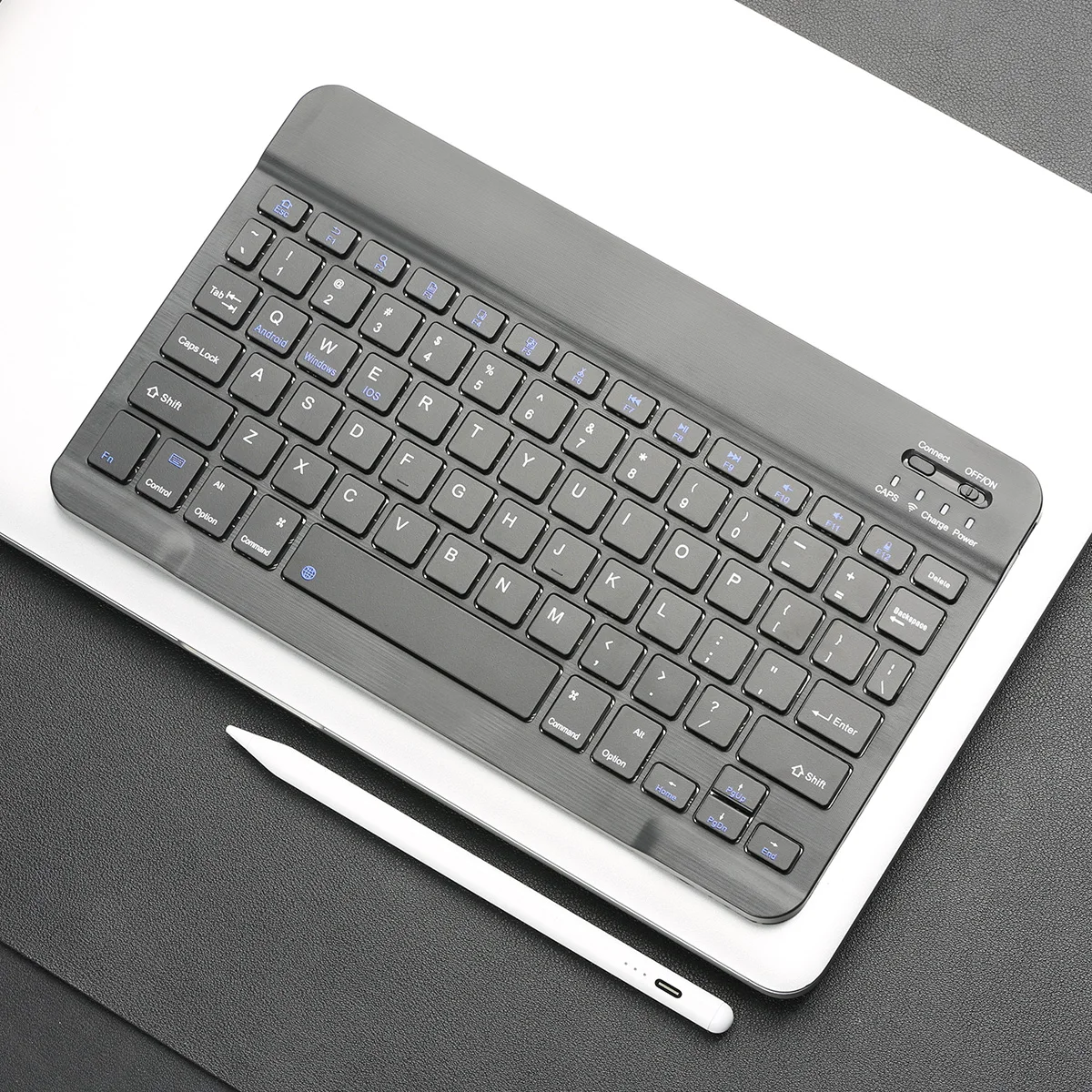
Keyboard Standard: 68 keys
Language: English
Operation Style: Capacitive
Origin: Mainland China
Package: Yes
Style: Slim,Ergonomics,For Laptop,for Tablet
Type: Bluetooth Wireless
Wrist Support: No
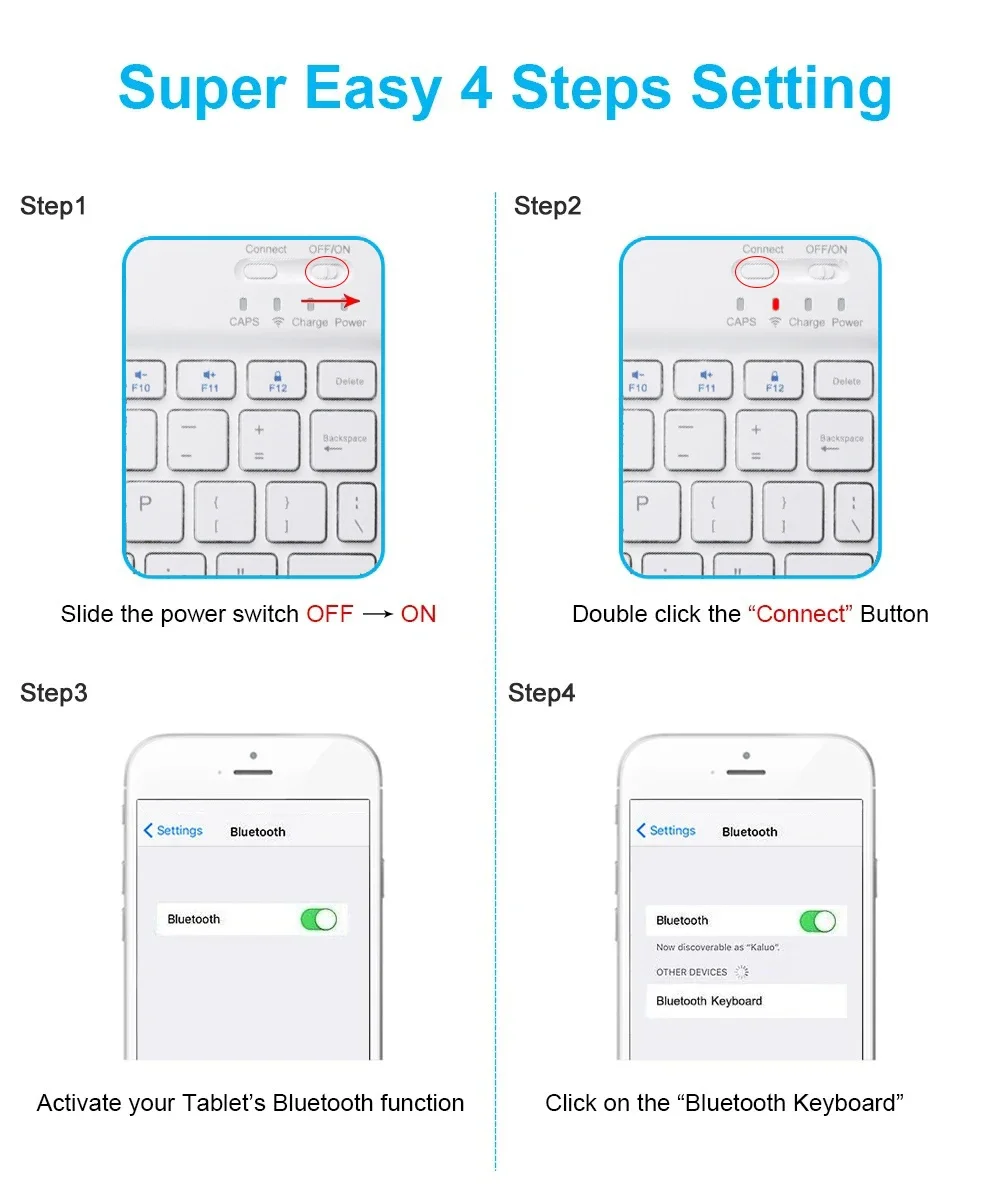
Keyboard connection method:
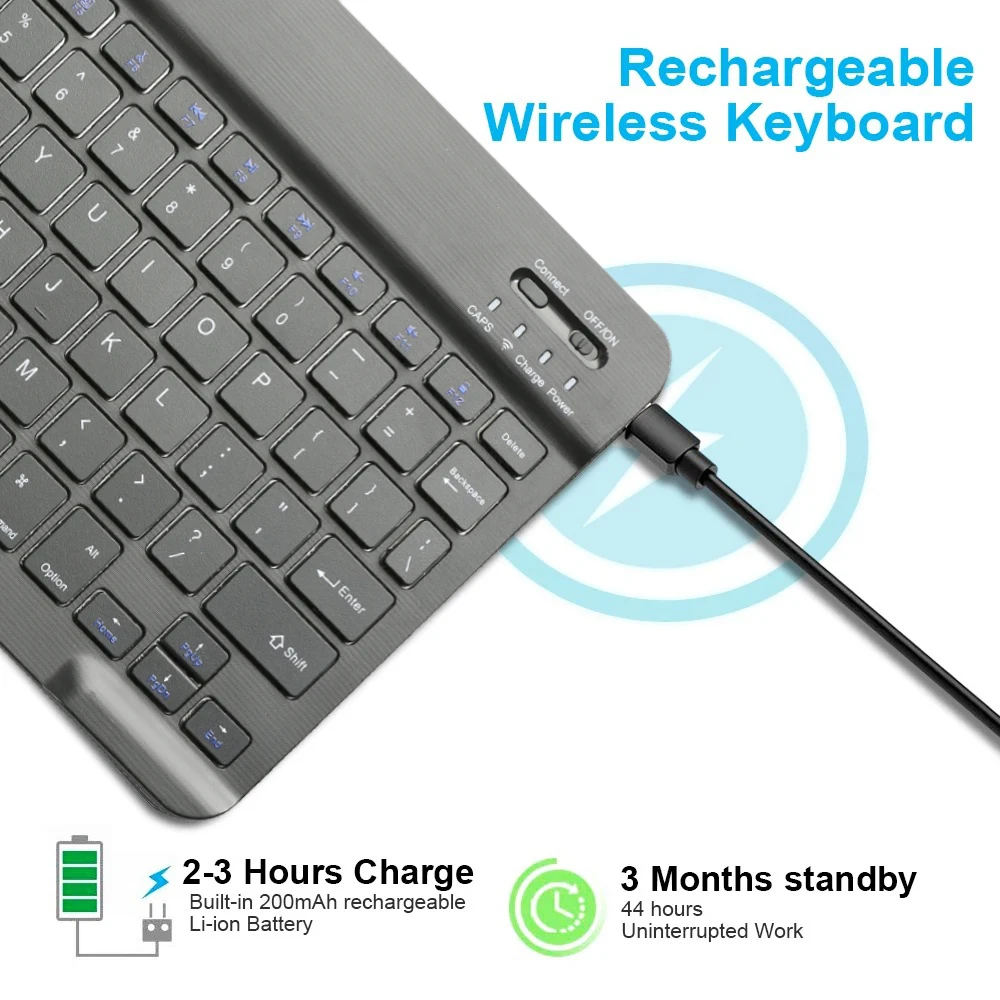
1: Turn on the ON/OFF switch.
2: Press CONNECT, the indicator of the Bluetooth-compatible logo will flash.
3: Turn on the Bluetooth-compatible switch of the device such as tablet/smartphone, search for Bluetoot-compatible device.
4: Click the Bluetooth-compatible Keyboard on the tablet/smartphone, press the Enter to connect.
Note: The keyboard cannot be connected to two devices at the same time. Therefore, if you want to replace another device, you must first disconnect the pairing connection of the original device.
Product Specifications:
Keyboard Layout: US QWERTY
Keyboard Bluetooth-compatible Version: Bluetooth-compatible 3.0
Keyboard Buttons: 78 keys
Keyboard size: 25 x 15 x 0.6 cm【Size: 9.84 x 5.9 x 0.24 inch】
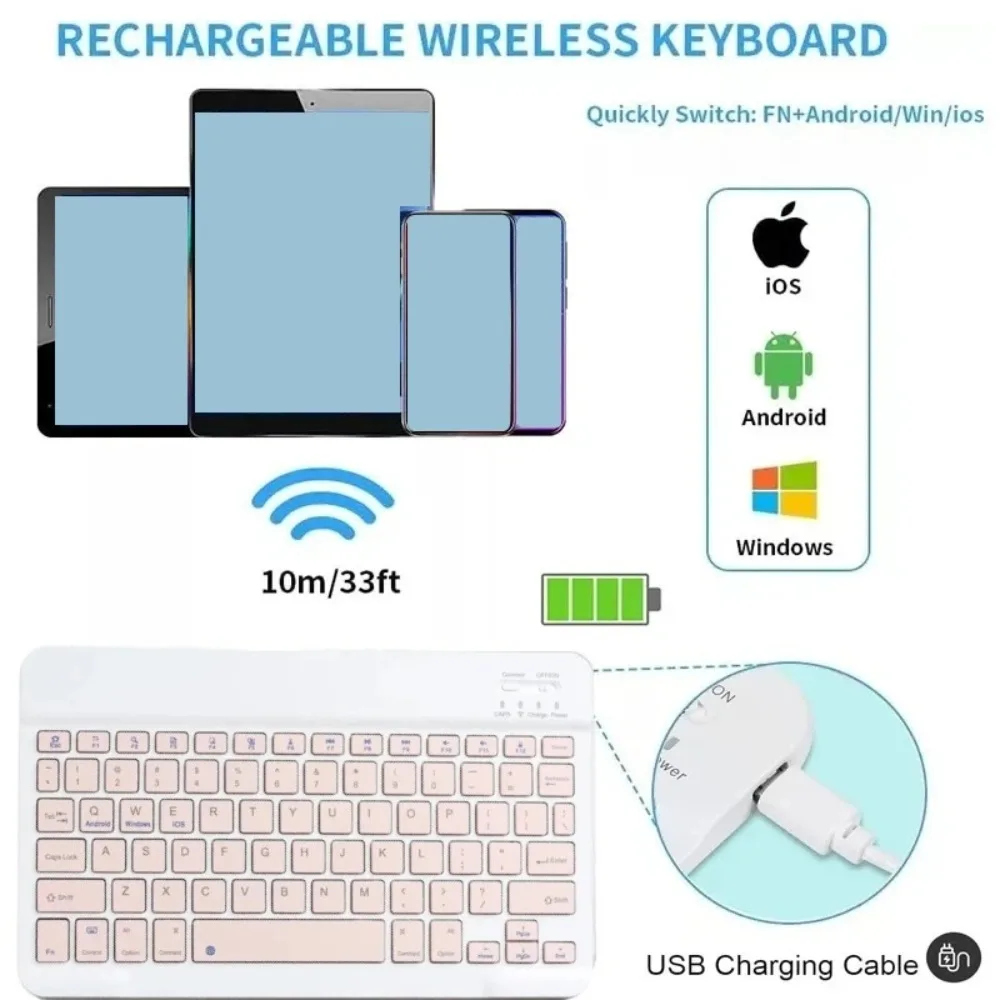
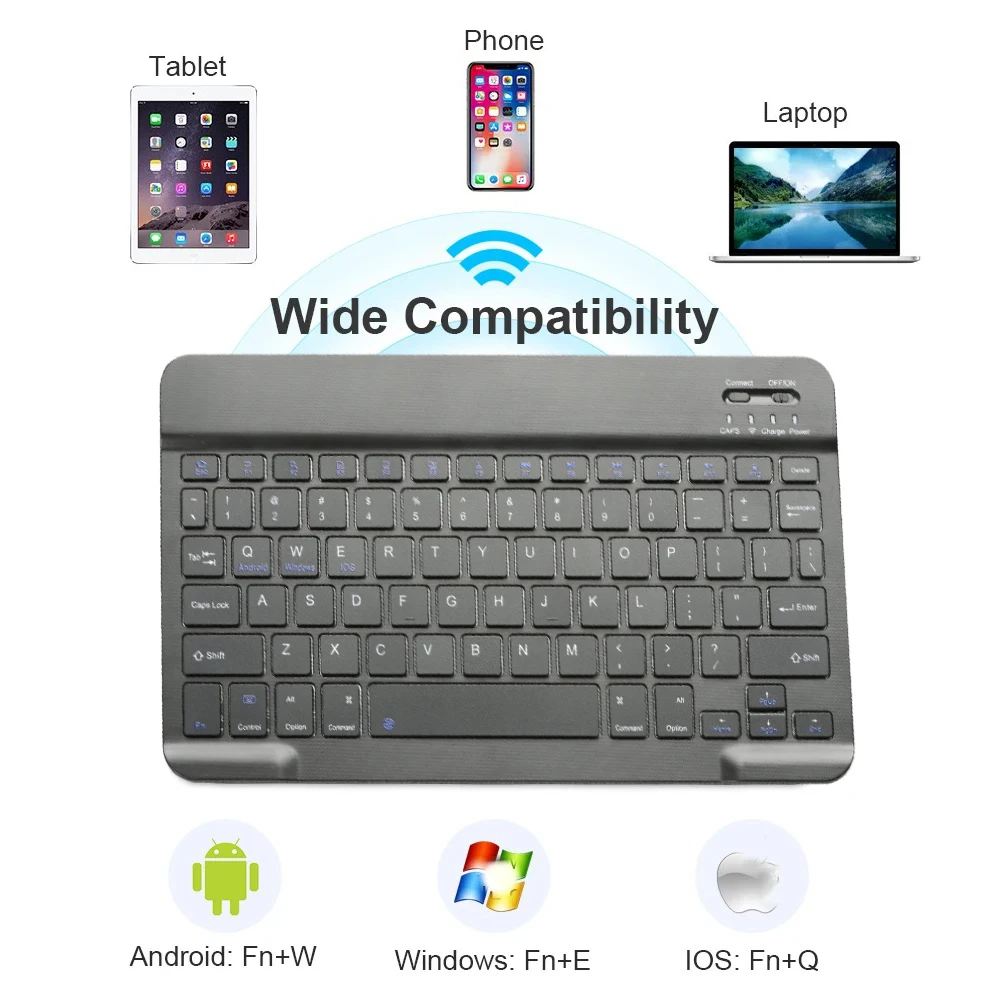
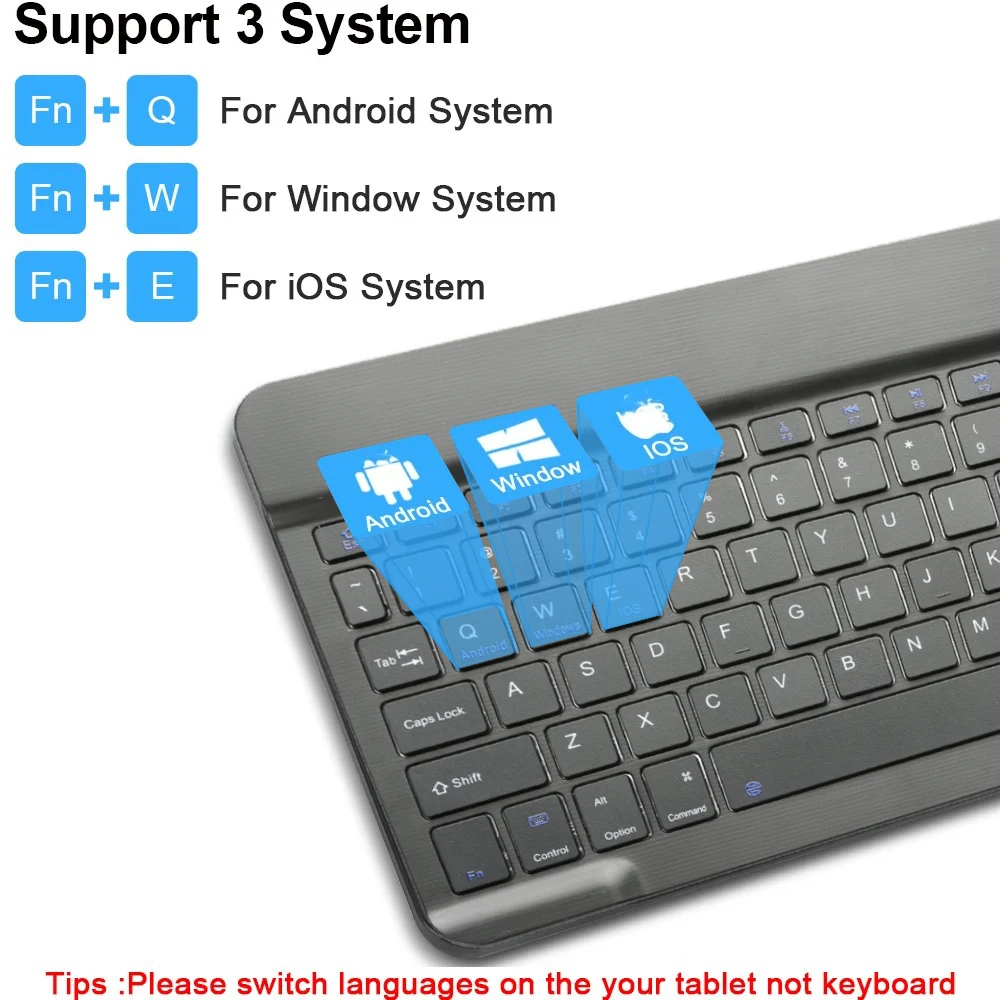
Compatible with OS: iOS Android Windows system
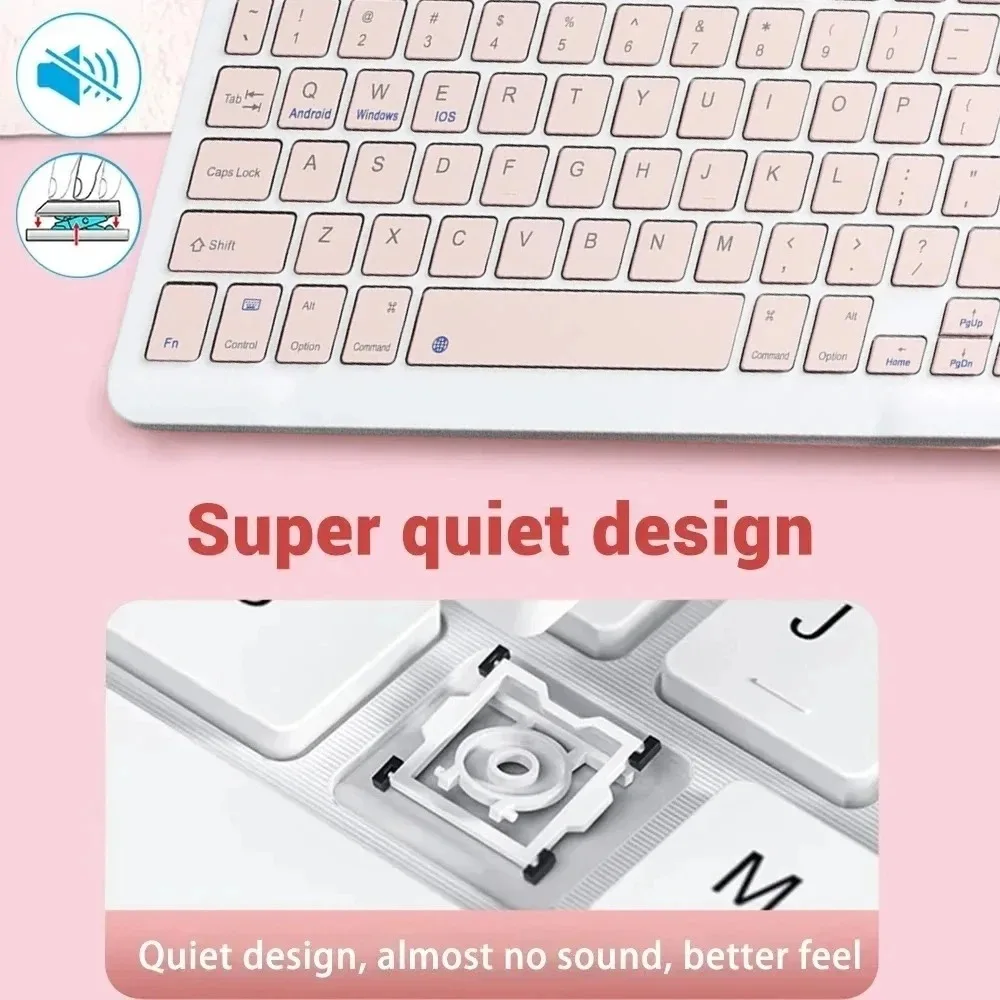
Hot Keys: Fn + function key, press Fn and the blue keys on the keyboard
Wide Compatibility:
Compatible with Apple iPhone iPad Android tablet phone smartphone, Windows tablet smartphone.
【Note: The keyboard may not be possible to connect to the device via the Bluetooth-compatible adapter.】
Compatible with Apple iPhone such as iPhone 12 Pro Max mini, iPhone SE 2020, iPhone 11, X ,XR ,XS Max, 7/8 Plus, 6/6s Plus etc.
Compatible with Apple iPad such as iPad Pro , iPad Air , iPad mini , New iPad 2020/ 2019/ 2018 etc.
Package including:
1 * Bluetooth-compatible Keyboard
1 * Cable
PLEASE NOTE:
If you don't use them for more than 10 minutes, they will automatically enter the sleep state to save power.
If you want to continue to use them, just click any key to wake up them.


Popular Picks


